Be strongBe pop
More than just a toy art collectible—Pop is a visual manifestation of attitude and street culture. Grab yours now and claim your crown!
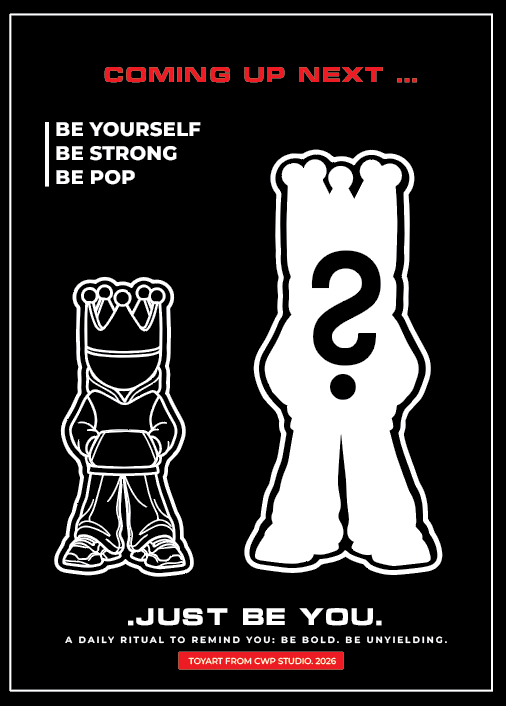
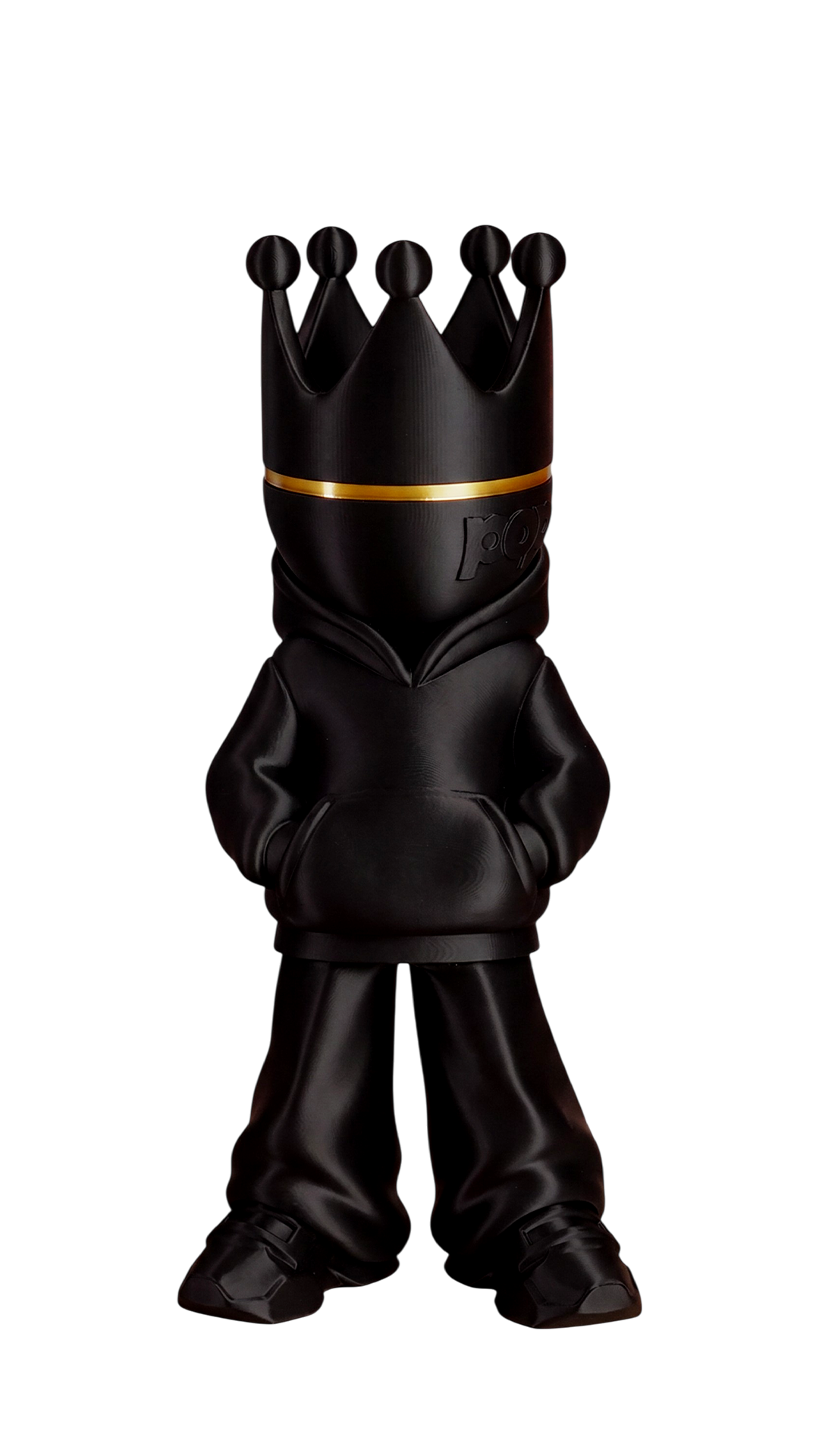
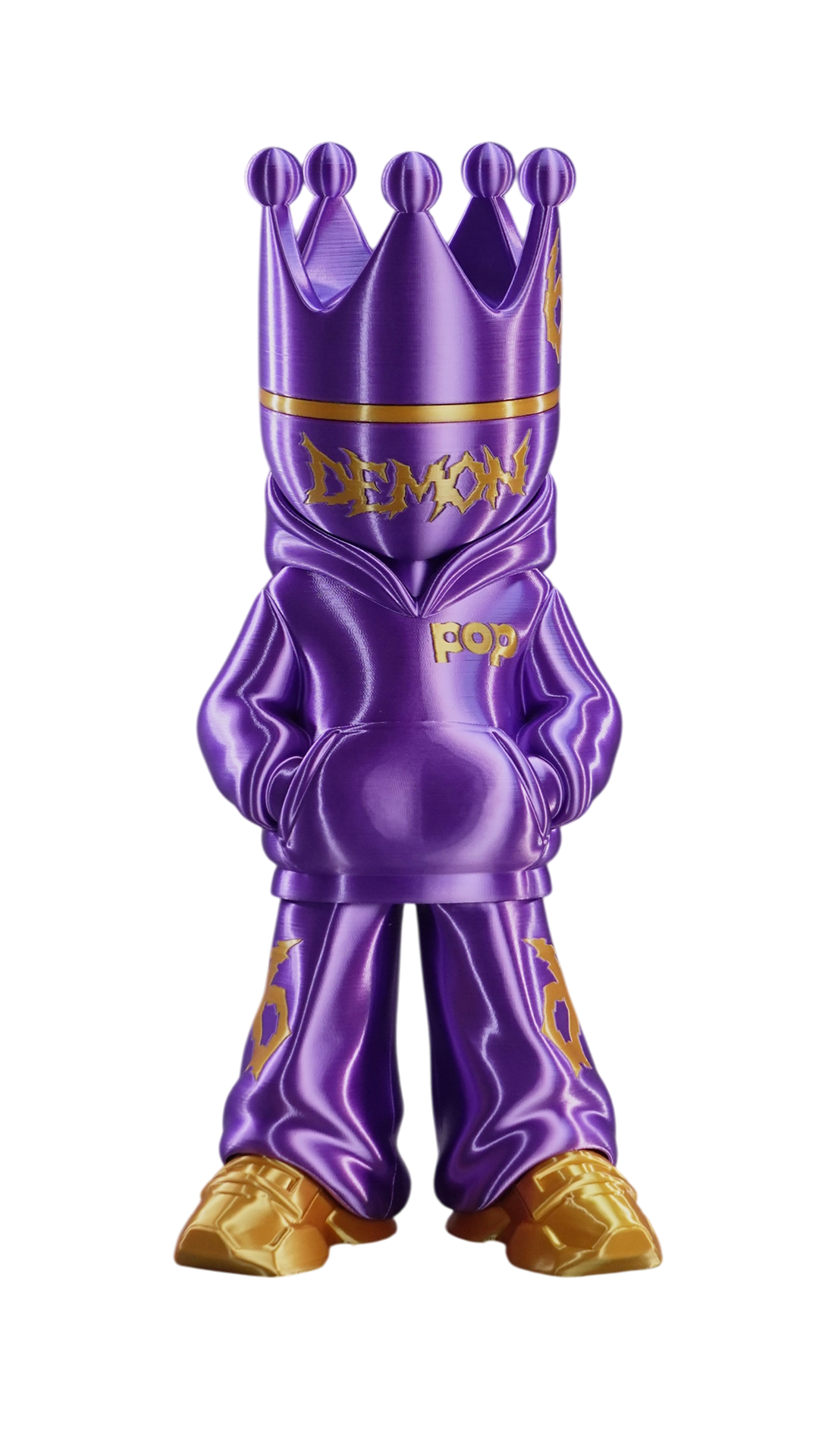
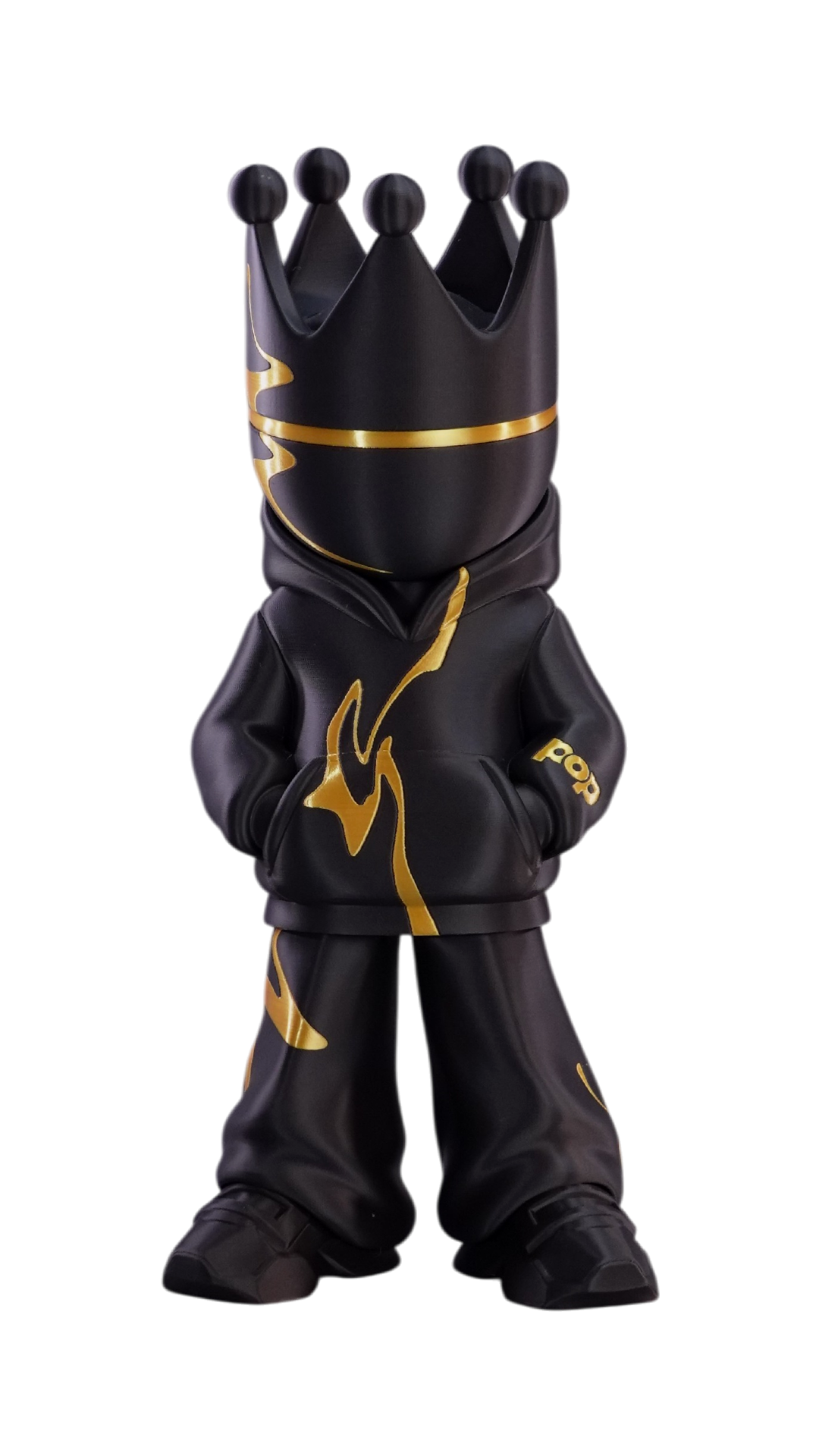
Meet the most based model in the game. Twin drops: Black & White versions.
Free for all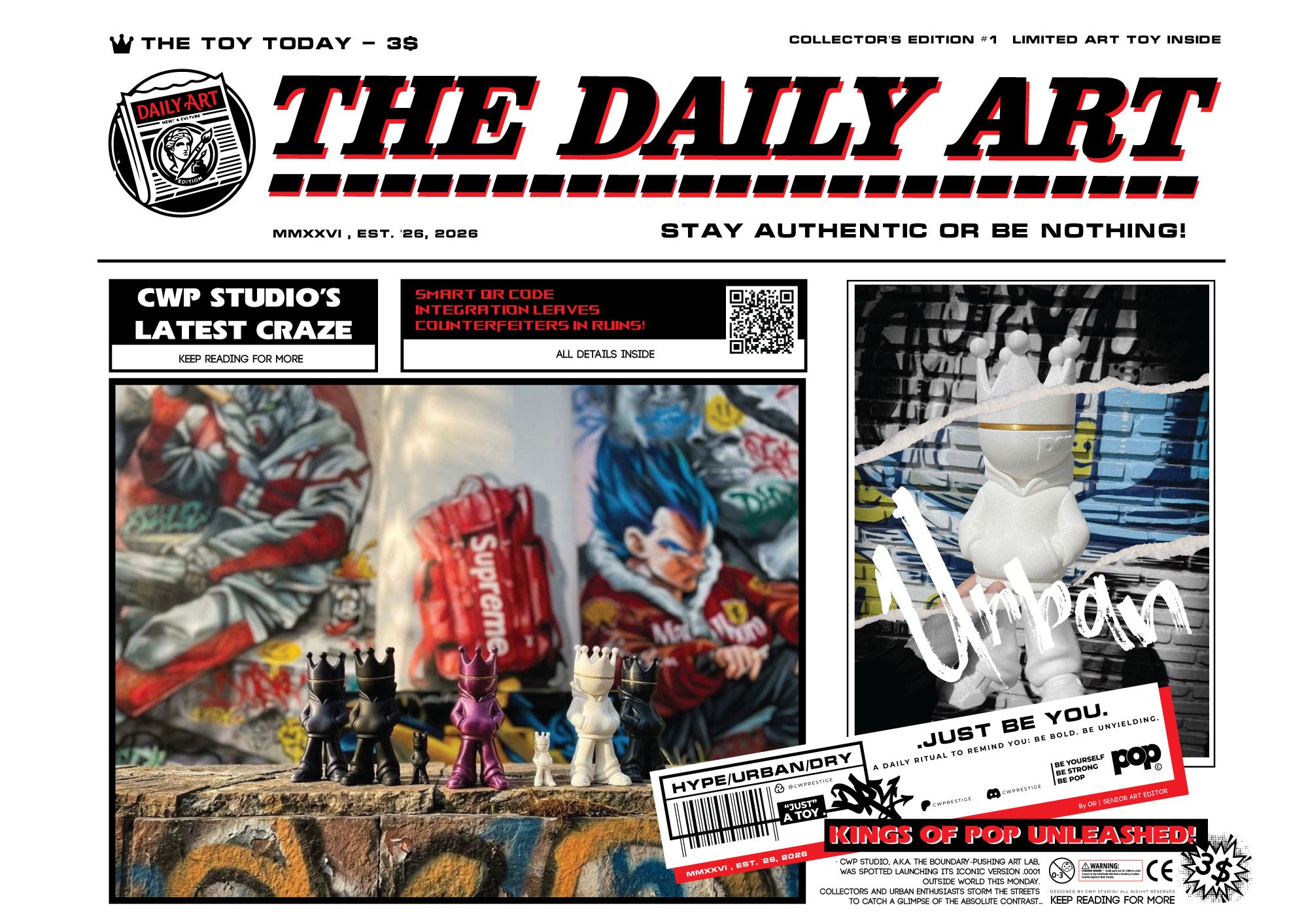
Never just an art toy
For those who don't just collect art, but live the attitude. A bold companion for the independent mind.
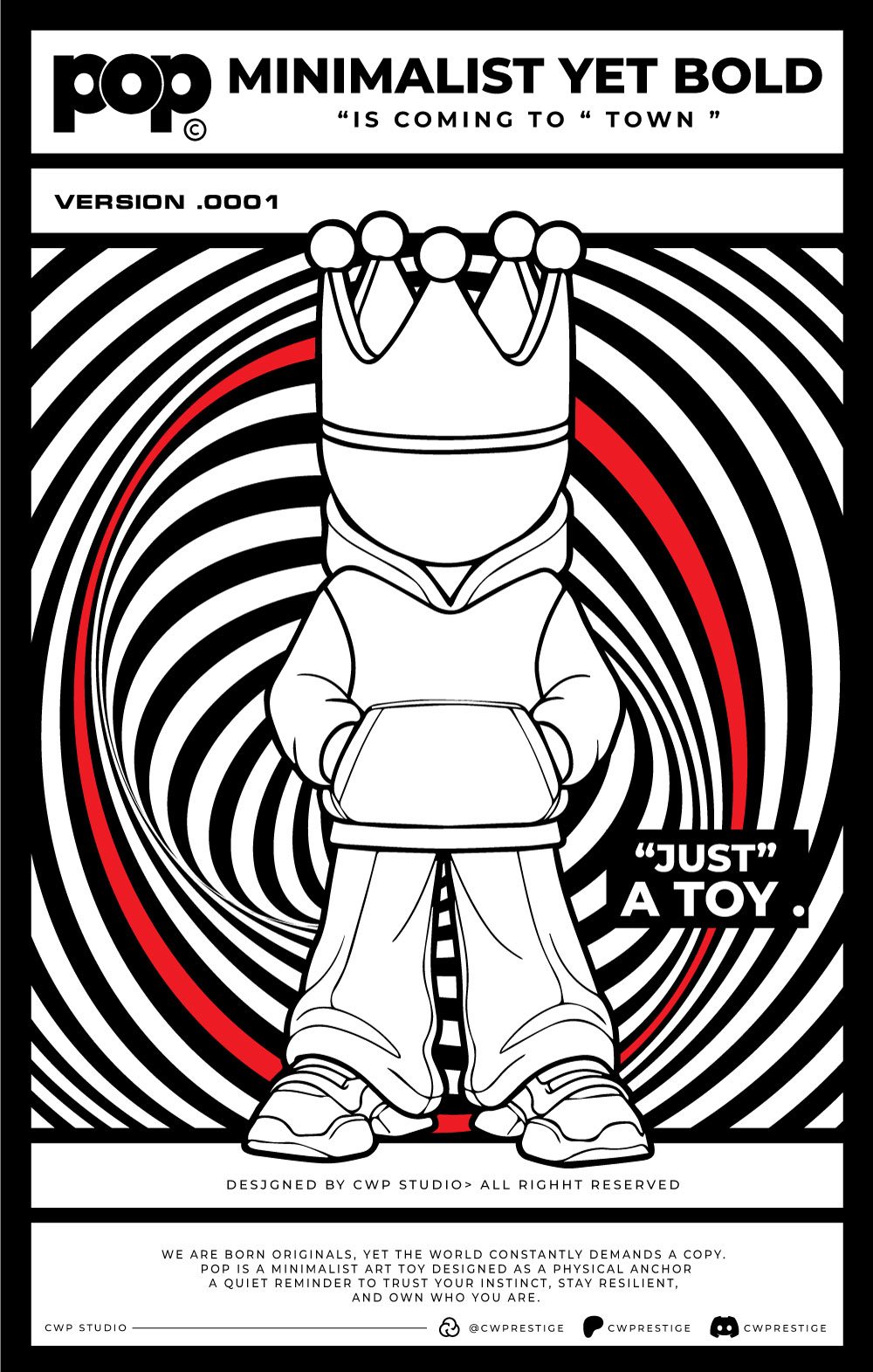
We are born originals, yet the world constantly demands a copy.
The Genesis
POP was born from the raw pulse of underground streets and the silence of self-reflection. Designed not as a mere object, but as a physical anchor—a quiet, uncompromising reminder to trust your instincts, stand your ground, and rule your own reality.
The Icon
A faceless rebel crowned in gold. POP strips away the noise to expose pure attitude. With sharp, minimalist lines and a heavy streetwear stance, this character doesn't blend in—it stands as a monument for the independent minds who refuse to be copied.
The Lore
A faceless rebel crowned in gold. POP strips away the noise to expose pure attitude. With sharp, minimalist lines and a heavy streetwear stance, this character doesn't blend in—it stands as a monument for the independent minds who refuse to be copied.
Shop the collection
Print-ready STL / 3MF files of every POP character — test-printed, re-downloadable anytime, and free with Membership where marked.
 Drag any way to rotate
Galaxy Jewel Blue
Pop's Colorful World - Galaxy Jewel Blue
Free download
Galaxy Jewel Blue
Drag or swipe the figure to turn it · arrow keys work too.
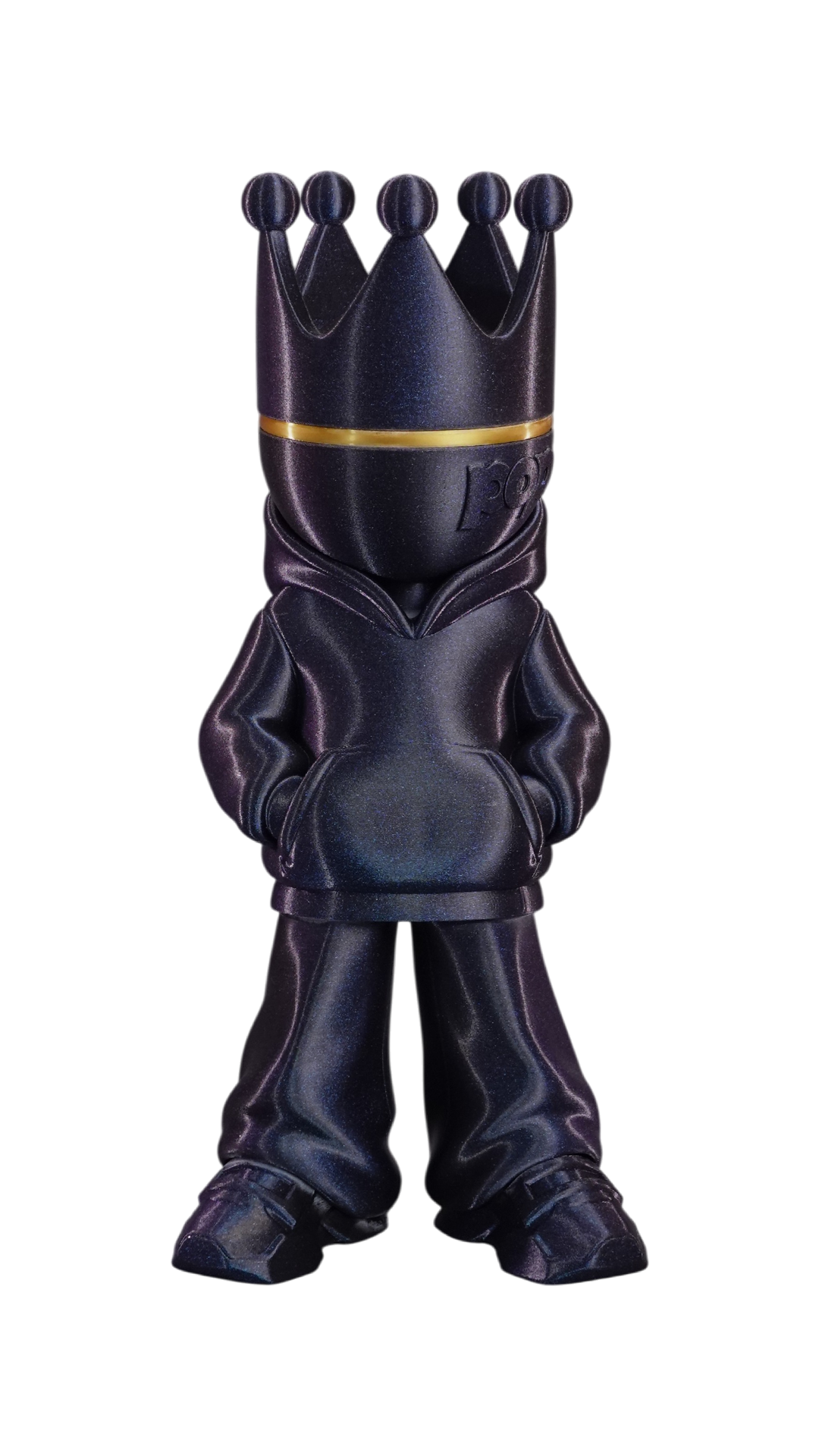
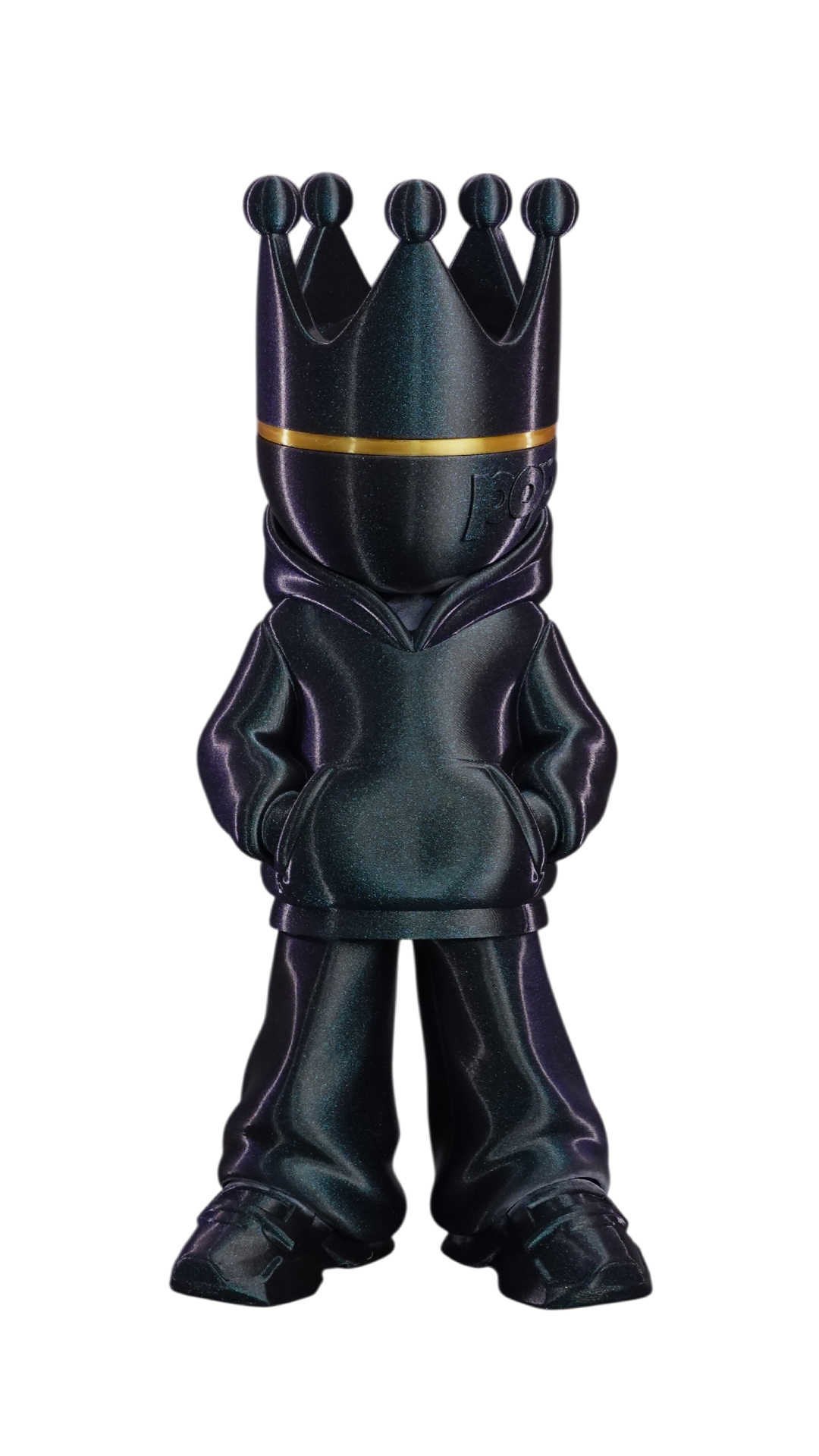
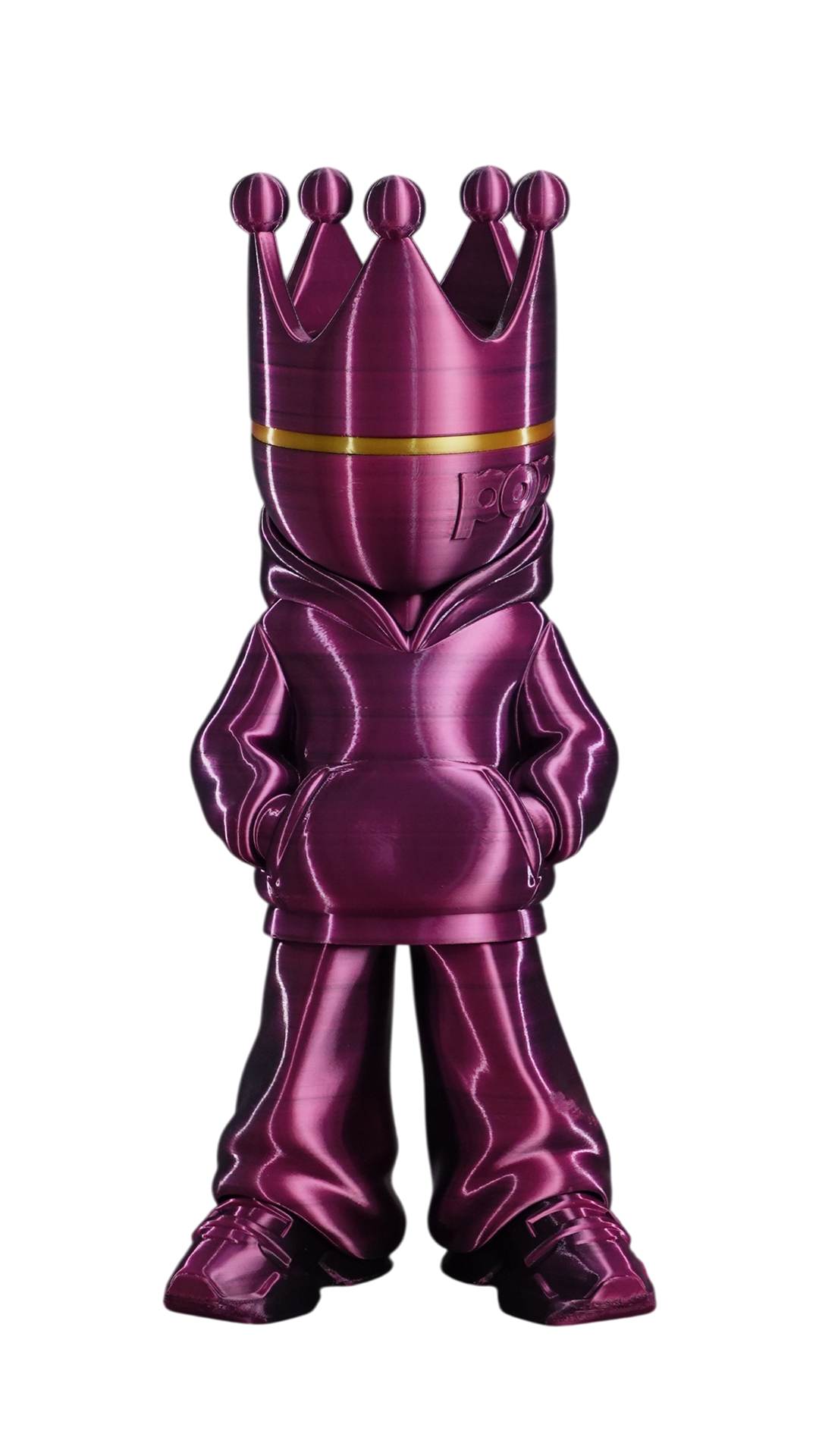
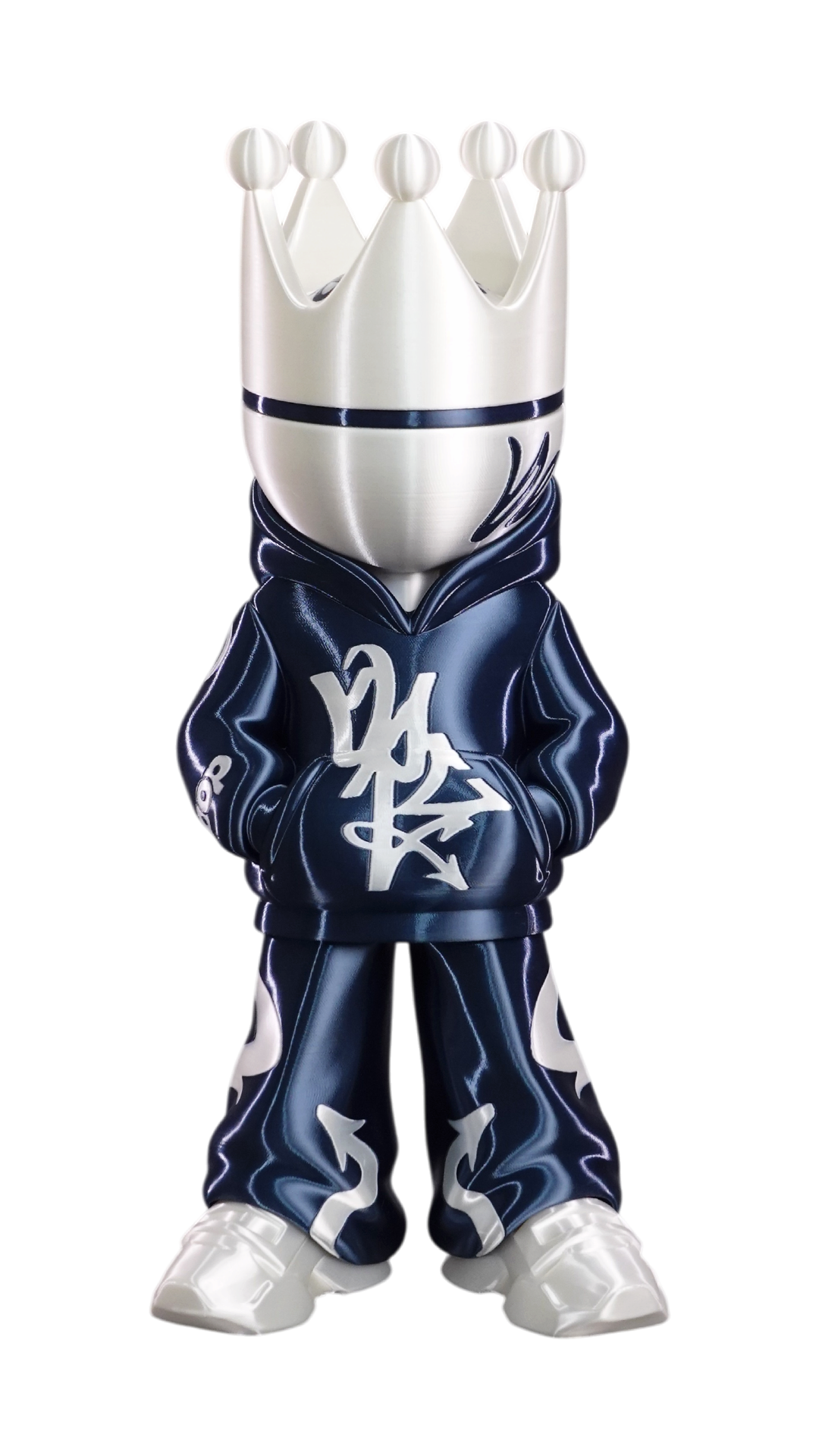
Your brand on every box
This space is for our Business partners: the box of every POP turning in front of every visitor, with your brand beside it. Arranged directly by e-mail.
Black
Print & sell POP
Be the next partner: your own box, in your colours, in front of every visitor — and your brand across the whole site. Arranged by e-mail, no list price.
Drag or swipe a box to turn it
White
POP in the house
See where POP lives — on desks, shelves, living rooms and in coffee shops. Tap a spot to look around, and send us a photo of yours.
Tap a photo to see it bigger
Pick the way you collect
Buy the files you love one by one, get every new release with Membership, or go Maker and sell the prints you make.
Free
Starter
No card needed
- 4 free models
- Download again anytime
- Personal-use license
Personal
Membership
Billed monthly
- Every Member file released while you're a member — yours to keep
- Single files from $6.00
- Personal-use license
or buy single files in the Store
Seller
Maker
Billed monthly
- Everything in Membership
- Sell the prints you make
- Commercial license on Member files
- The box & card to sell them in
Business
Print & sell POP
No list price — by e-mail
- Special pricing & deals for your company
- Your brand across the site
- The Box section is yours
- On the Partners page
4 files are free — grab them here.
Need help?
Fill in the form and describe your issue in detail, or jump into Discord for quick help with simple questions.
You’ll receive 3MF files set up for the Bambu Lab A1 in Bambu Studio and the Snapmaker U1 in Snapmaker Orca. Each version comes with screenshots of its recommended settings.
The files include the model layout, print orientation, material selection, and recommended print settings. Please review the settings on your machine before printing.
They make it easy to check the material and key settings after opening a 3MF file. Separate screenshots are provided for Bambu Studio and Snapmaker Orca, so you can follow the ones that match your software.
The statue comes set up at two sizes: 15 cm and 40 cm. You’re welcome to resize it, but doing so may affect the thickness of small details and how well the parts fit together. If the model has multiple parts, scale them all by the same percentage and check the fit before printing.
The material selected in each file is the one used for its recommended settings. If you choose a different material or brand, check the temperature, speed, and other relevant settings. Your print results may vary.
The recommended settings give you a prepared starting point, but results also depend on your printer’s condition, calibration, material, and printing environment. Check the sliced preview before printing. If you’d like to test the fit or surface quality, try printing a small part first.
We recommend keeping each part on its assigned build plate. This arrangement is designed to give you the best print quality with the included settings.
Yes—send us a description of what you’d like to change. Requests such as modifying the character design or preparing settings for another printer will be considered based on the project schedule.
Reach out to us on Discord. Please let us know whether you’re using a Bambu Lab A1 or Snapmaker U1, along with your software version.
Please send a photo of the print issue, a screenshot of the sliced preview, and screenshots of the settings you used. If possible, also include your material, nozzle size, and any changes you made to the original file.